

















Pablo Milandu
Cold Email Agency Founder & YouTuber
Sign up for a free deliverability trackerSign up for a free deliverability tracker + order Google/Microsoft inboxes
Cold emails tracked by Peeker:216,578,291
Free tracking for every inbox, even ones you didn't buy from us.
Domain health
400
domains
Workspace activity
DomainsBy reply rate
The problem
Warmup still says healthy, so campaigns keep sending into spam until the results are already gone.
Replies this week
41▼ 34%
The fix · 01
Any provider. Even inboxes you didn't buy from us.
Connect your sequencer
 Instantly
 Smartlead
 EmailBison
 PlusVibe+ more
See every domain: healthy or burned
Know what to swap
trypeeker.com
Peeker
peekerhq.io
Elsewhere
getpeeker.co
Peeker
peeker-mail.com
Elsewhere
usepeeker.io
Elsewhere
peekerreach.com
Peeker
joinpeeker.co
Elsewhere
meetpeeker.co
Elsewhere
Free on any inbox, even ones you bought elsewhere
The fix · 02
Google Workspace, Microsoft Azure or SMTP. Set up in your sequencer and watched from day one.
Price calculator
$3.50
1 inbox × $3.50 a month
per inbox
$3.50
Big or Google-verified orders can take a few days.
$0
Free tracking
Any inbox, from any provider
The fix · 03
Every inbox you order comes with automatic swaps, deliverability tracking, an API and support that fixes problems before you see them.
A burned domain is pulled out and a healthy one goes in, with its inboxes moved over. Do it by hand or let it run on a schedule.
Each domain's reply rate is compared with similar domains, and blocklists like Spamhaus and SURBL are checked, so burns get caught early.
Most providers wait for your ticket. Peeker fixes most problems before you notice, and answers fast when you ask.
When a domain starts landing in spam
Typical provider·Support ticket
In spam
Problem starts
You notice replies are down
You open a ticket
Replies are down. Are we in spam?
We're looking into it.
Peeker·Activity log
In spamFixed
Connect by API key. No migration, no new sending tool.
Instantly1,240 inboxes syncedConnectedSmartlead860 inboxes syncedConnectedEmailBisonNot connectedConnectPlusVibe534 inboxes syncedConnectedSync log
LiveHow it connects
Connect your sending sequencer
Instantly, Smartlead, EmailBison or PlusVibe.
EmailBison API keyWe read every inbox
No migration. Campaigns keep running.
Fixes sync back
Swaps and reconnects land on their own.
A dropped inbox is reconnected right on your sequencer's accounts page. Nothing for you to click.
Found at Peeker's check. Reconnected, then every inbox checked.
Order Google or Microsoft inboxes and they land in your sequencer, ready to send.
Copy one prompt. Your agent reads Peeker's docs, helps connect your sequencer and finds your burned domains.
For Claude, ChatGPT, Cursor and other agents
APIFor agencies and partners
Order inboxes, import domains and run swaps through the Peeker API.
Read the API docs →POST /partner/v1/swaps { "type": "premium", "replacement_domain": "peekerreach.com" } → { "id": "swp_01HZX0…", "status": "created" }
Customers, in their own words.
Pablo Milandu
Hoani Taylor
Patrick Thomason
Shivam Gupta
Jeremy Corne
Clark Gonek
Lance Goldman
Nolann Santos
Smit Mulani
Joe Van Wyk
Kevin Lee
Floris Jansen
Sjoerd
Creators who teach cold email, all in the Peeker creator program.
How We Doubled Our Reply Rates & Fixed Deliverability [CASE STUDY]
How I Send 100,000+ Cold Emails Per Day (Full Tutorial)
I Tried sending 62,000 Cold Emails in a week (raw results)
how I book 5-6 meetings per day with warm calling (sh*ts easy lol)
How To Start Cold Outreach (Step By Step For B2B Tech / Software Companies)
43 million cold emails from the last 60 days, boiled down to what to change. Plus guides from our team.
Report · Q3 2026
Benchmarks for reply rates, sending limits and how long domains last.
43.0M
cold emails sent
447k
replies
129,608
sending domains
865k
inboxes
What the data says
4.6×Watch replies, not bounces4.6× fewer replies on burned domains, with the same bounce rate→5×Azure: send under 5 a day per inbox5× more Azure domains burned at 5–7/day than under 5→2.2×Google: send under 15 a day per inbox2.2× more Google domains burned at 15–19/day than under 10→40%Get new domains ready by month 240% of 2–3-month-old Google domains are burned→Guides from the blog
Best practices
How to manage cold email deliverability at scale
Cold email
What is a pre-warmed inbox in cold email?
How-to
How to set up DKIM, SPF and DMARC for cold email
How-to
How to set up a cold email domain the right way
How-to
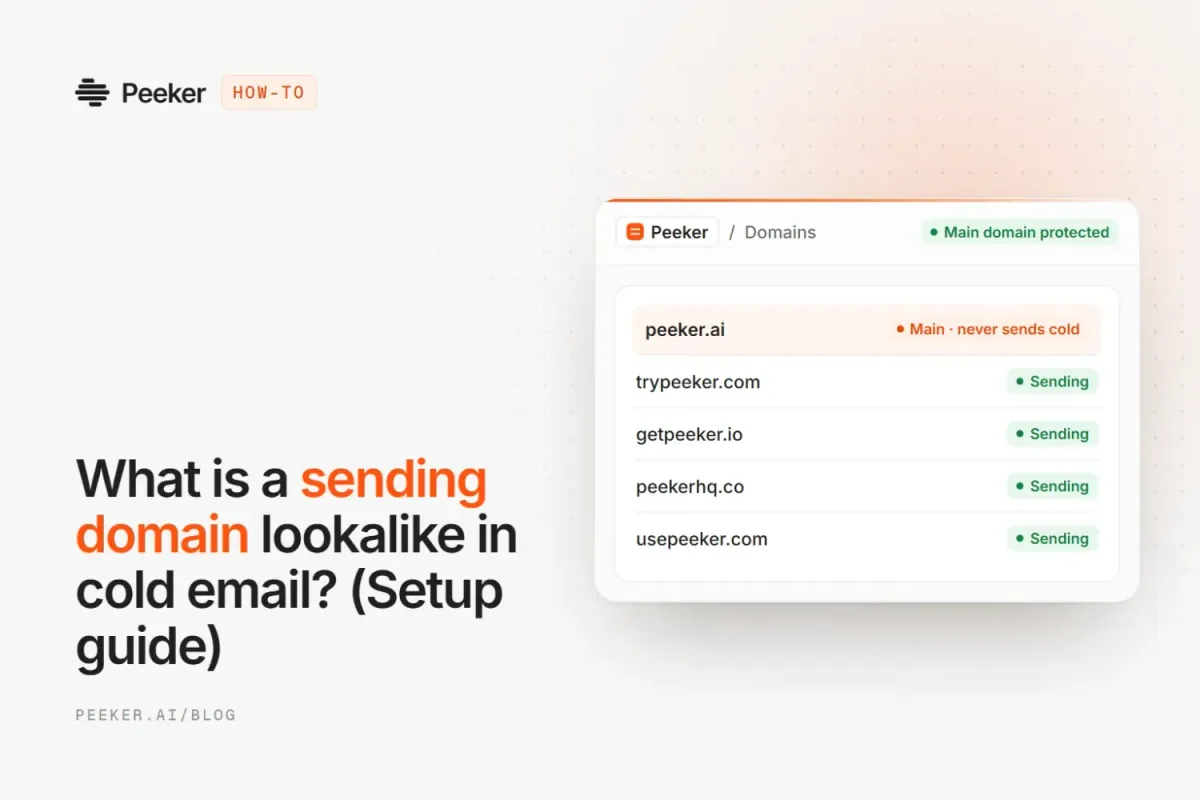
What is a sending domain lookalike in cold email?
How-to
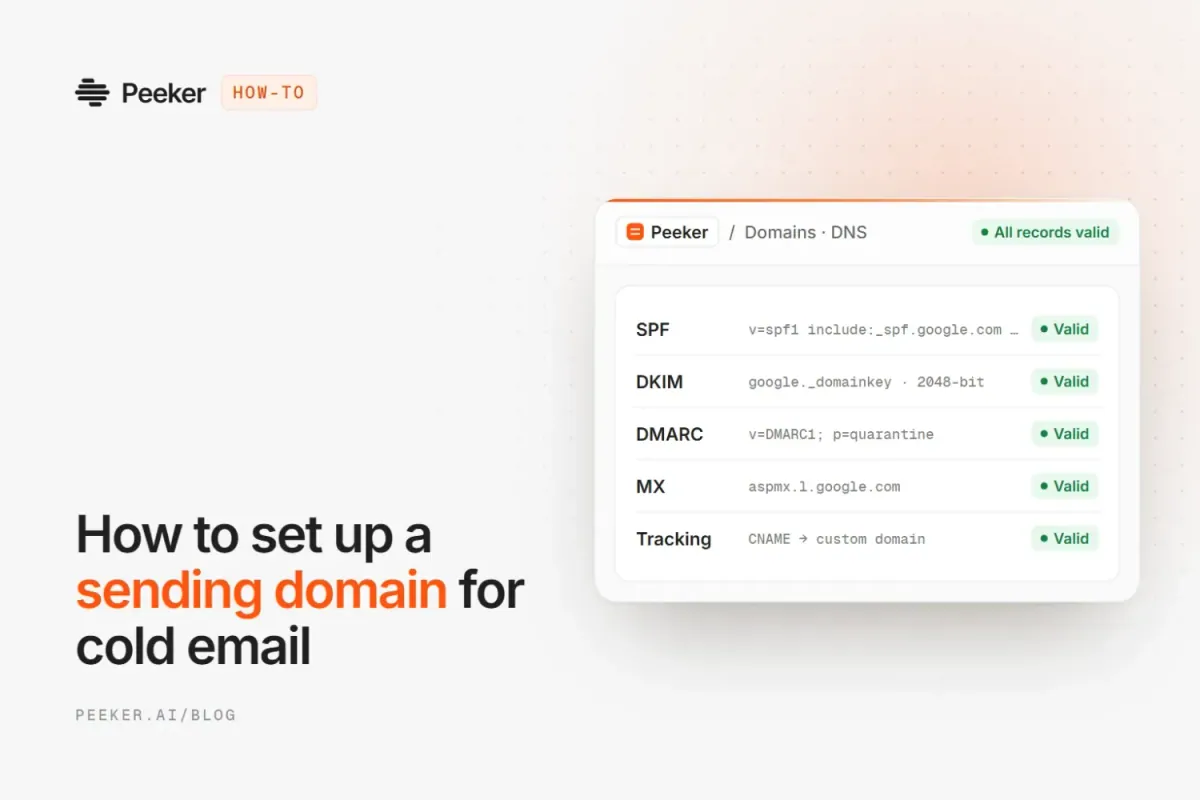
How to set up a sending domain for cold email

Comparisons
Best cold email infrastructure tools in 2026
Cold email
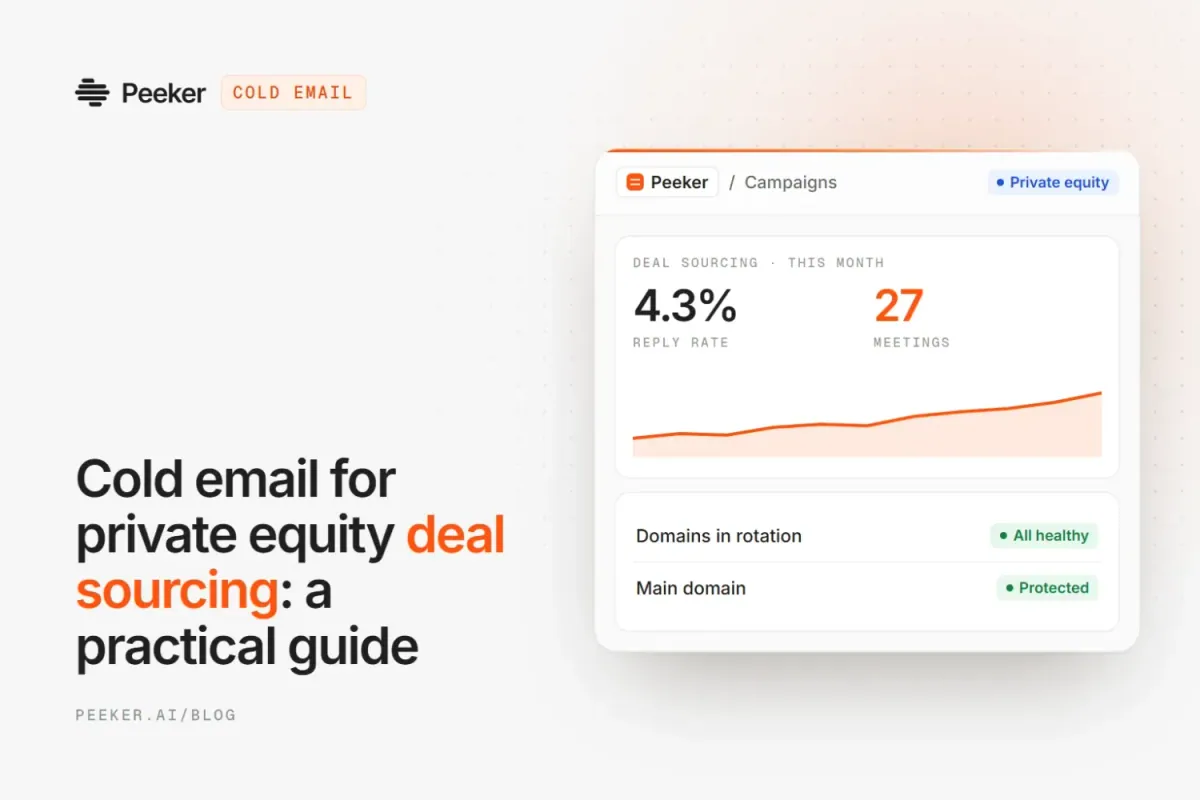
Cold email for private equity deal sourcing
The things people ask us most before they connect their first inbox.
It's the domains, inboxes and DNS records your cold emails send from, plus the tools that keep them healthy. Peeker covers all of it: Google Workspace, Microsoft Azure and SMTP inboxes, free tracking, and swaps when a domain burns.
It shows whether each sending domain is healthy, underperforming or burned. We compare each domain's reply rate to similar domains on the same provider over several sending windows, and flag the ones that stay below or see a bounce spike.
No. We show Spamhaus and SURBL listings on each domain, but a listing on its own doesn't always hurt results. Burned means the domain's replies have actually dropped compared to similar domains.
Yes. Imported domains get new inboxes, so they need about 14 days of warmup before you send campaigns from them.
Yes, once you turn on the replacement automation. You choose what gets replaced (burned domains, or your bottom performers) and how often, and Peeker uses spare domains from your Storage or buys new ones.
Most orders are ready in under 24 hours. Large orders, or Google orders that need extra verification, can take a few days. New inboxes then warm up for about 14 days, unless you pick pre-warmed Microsoft domains.
Free tracking · or buy inboxes
Connect your sequencer and see every domain's status, free on any inbox. Or order Google and Microsoft inboxes.
Contact
Quick links
Free tools
© 2026 Peeker AI Co. All rights reserved


